
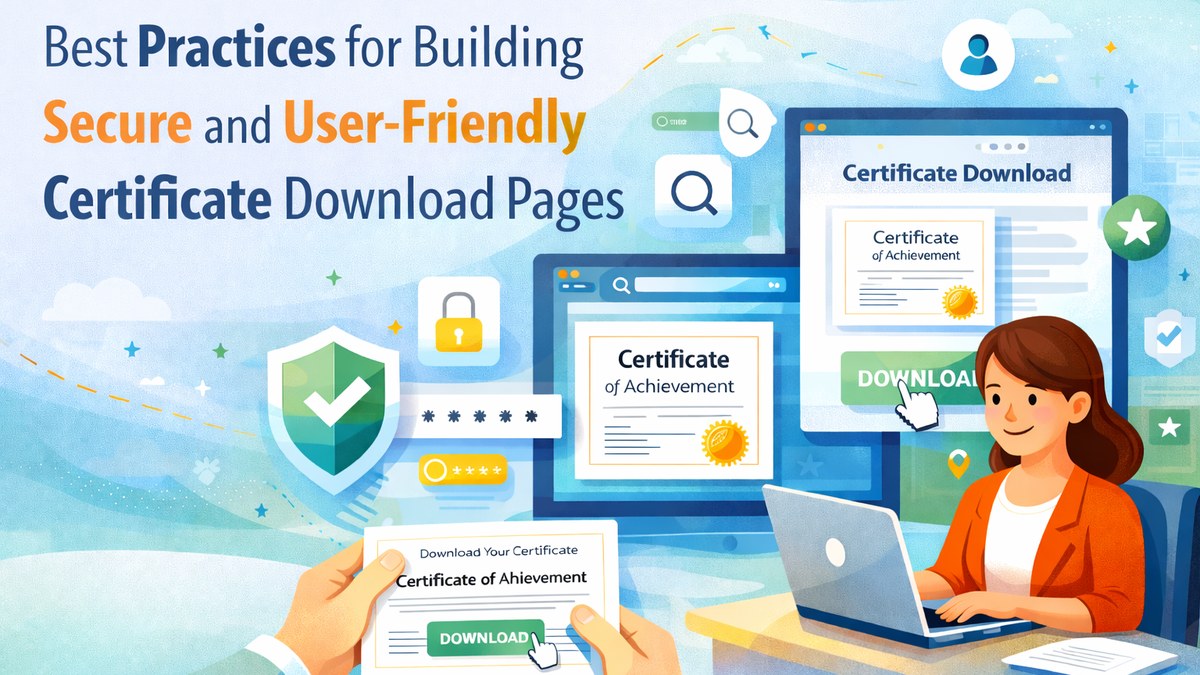
Best Practices for Building Secure and User-Friendly Certificate Download Pages
A digital certificate workflow does not end with generating the certificate file. The download page itself is an important part of the overall user experience. It is often the main point where recipients interact with the system, verify their access, and retrieve their credential. This is why a good certificate download page must balance security, clarity, and ease of use.
If the page is confusing, poorly branded, or too open, it can weaken trust in the entire certificate process. If it is well designed, it improves both recipient satisfaction and platform credibility.
Why Download Page Design Matters
The download page is more than a technical endpoint. It is a user-facing touchpoint that represents the professionalism of the issuing organization. Recipients judge the reliability of the credential process partly through the quality of this experience.
Best Practices for Certificate Download Pages
1. Keep Access Secure
Use appropriate access control such as OTP verification, token-based retrieval, or other controlled mechanisms rather than leaving certificates openly exposed.
2. Make the Flow Simple
The page should guide users clearly from verification to certificate display and download without unnecessary confusion.
3. Use Clear Branding
Logos, organization names, event names, and page headers should align with the issuing institution or event identity.
4. Support Mobile Access
Many recipients open certificate links on phones, so the page should remain usable on smaller screens.
5. Show the Right Information
The page should present enough context to reassure the recipient that they are viewing the correct credential workflow.
6. Keep Verification in Mind
Where relevant, the page should fit into the broader certificate verification model rather than acting as an isolated file link.
7. Reduce Friction for Legitimate Users
Security is important, but so is ease of access. The right download flow should protect the certificate without creating avoidable frustration.
Why This Matters for Institutions and Events
For event organizers, universities, and training providers, the certificate download page often becomes one of the most visited post-event digital touchpoints. A well-structured page reduces support requests, improves user confidence, and reflects better digital maturity.
Conclusion
A secure and user-friendly certificate download page strengthens the entire digital credential experience. It helps protect access, improve trust, and ensure that recipients can retrieve their certificates smoothly and confidently.